
MixtapePSDCreate it. Animate it. Launch it.AI Creative Operating System
DashboardCreative AssistantCreative DirectorProjectsStudiosCreative EditorBrand KitsPrompt VaultAsset LibraryCampaign ManagerLaunch CampaignPublishAnalyticsPortfolioBeta ReadinessCreditsOperator Dashboard (Beta)UsersMarketplaceAccountSettings
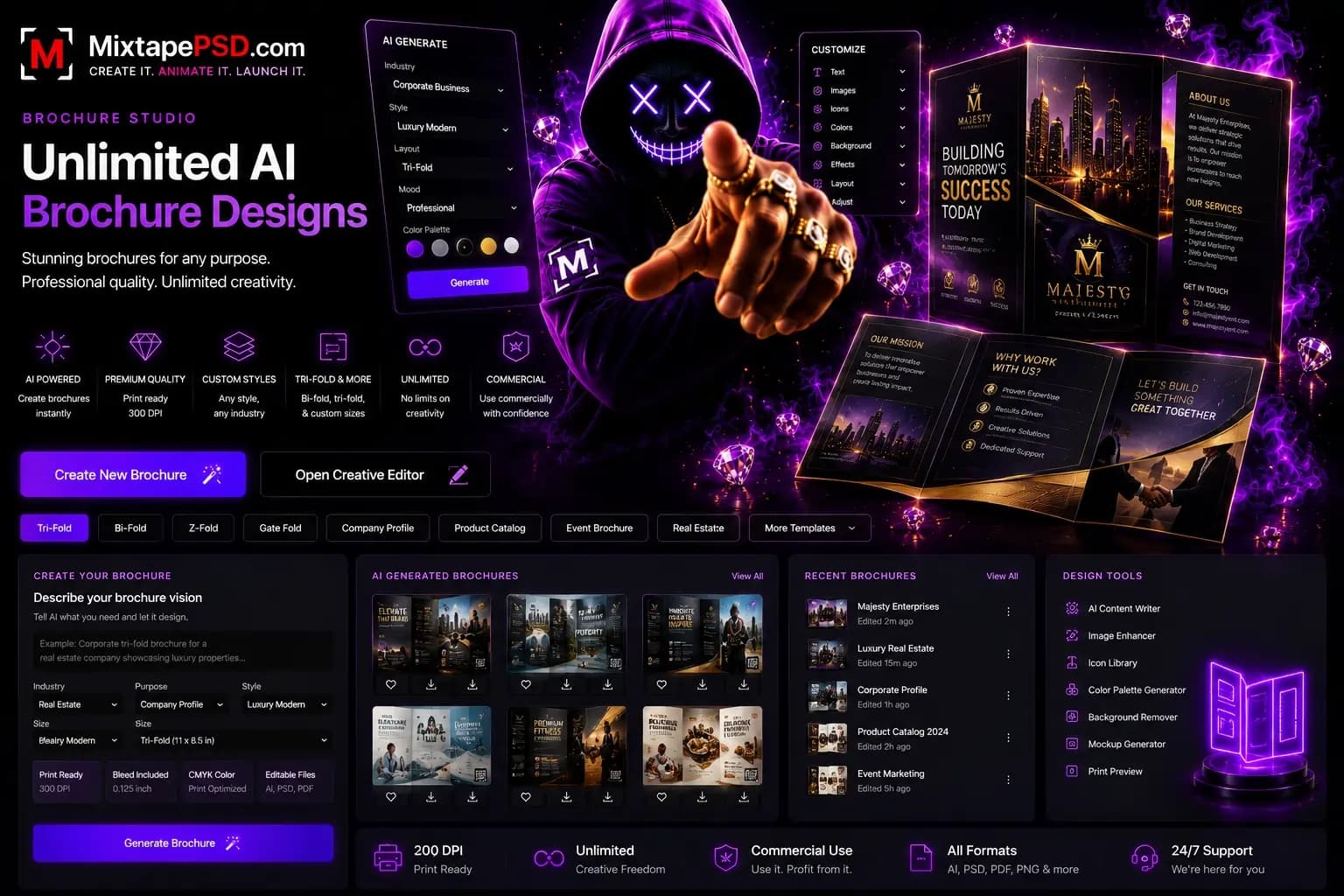
Brochure Studio hero banner

Step 1

Brochure structure

Choose the format and business context before layout begins.

Brochure type

Step 2

Message and content

The AI uses this to write the brochure copy and organize panels.

Tone

Step 3

Contact and assets

Upload brand assets and tell the AI where customers should go next.

Step 4

Generate complete brochure concepts

Concepts include cover, inside panels, back panel, AI copy, image placement, and print output guidance.

Tri-fold brochure for your business with premium and persuasive copy, service panels, image placement, and contact information.

Concepts

Choose the strongest brochure direction.

Editing stays optional. The first deliverable is a complete brochure concept, not an empty canvas.

Front cover

Your Business

Inside panels

Tri-fold

Back panel

Your Business
MixtapePSD AI

AI creative tools, premium PNG assets, backgrounds, models, and motion-ready workflows for entertainment brands.

[email protected]
AboutPricingFAQTermsPrivacyCookiesAcceptable UseDMCARefund PolicyContact
InstagramXFacebookTikTokYouTube

© 2026 MixtapePSD. All rights reserved.